3 - Coding Assistance
Skills
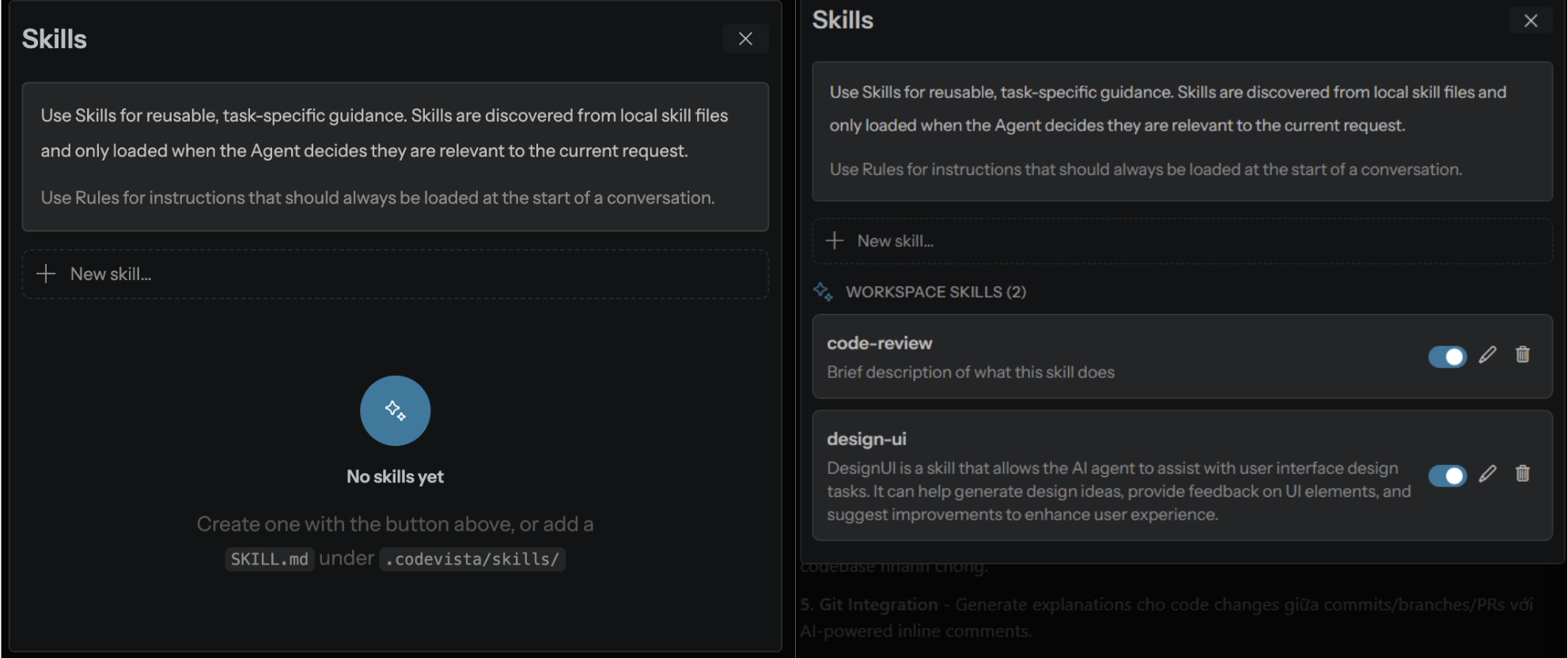
Skills are reusable, task-specific capabilities that help CodeVista follow specialized coding workflows. Relevant Skills can be applied automatically based on the user's request and can be enabled or disabled depending on project needs.
How to use
- Enable the Skills you want to use.
- Enter a coding request in the Chat panel.
- CodeVista identifies and applies the relevant Skill automatically.
- Disable unnecessary Skills when they are not needed.
Slash Commands
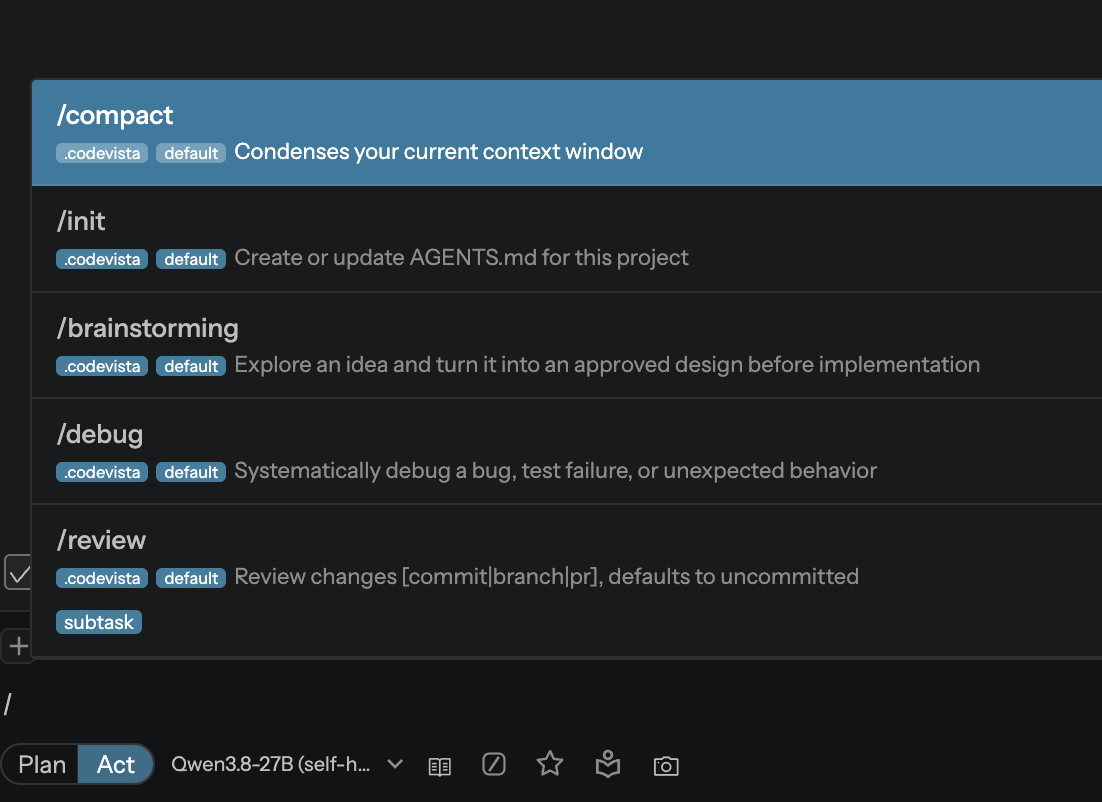
Slash Commands provide a quick way to trigger common coding actions directly from the Chat input by typing / followed by a supported command.
How to use
- Type
/in the Chat input. - Select or enter a command.
- Add additional context or instructions if needed.
- Send the request to start the corresponding workflow.
Common Commands
- /init: Initialize project context.
- /brainstorming: Generate and explore solution ideas.
- /debug: Analyze and troubleshoot errors.
- /review: Review code and suggest improvements.
- /compact: Reduce conversation context while keeping key information.