Create visual assets / Image Generation

Tags: Image generation | Visual assets | Documentation | Prototyping
1. When to Use
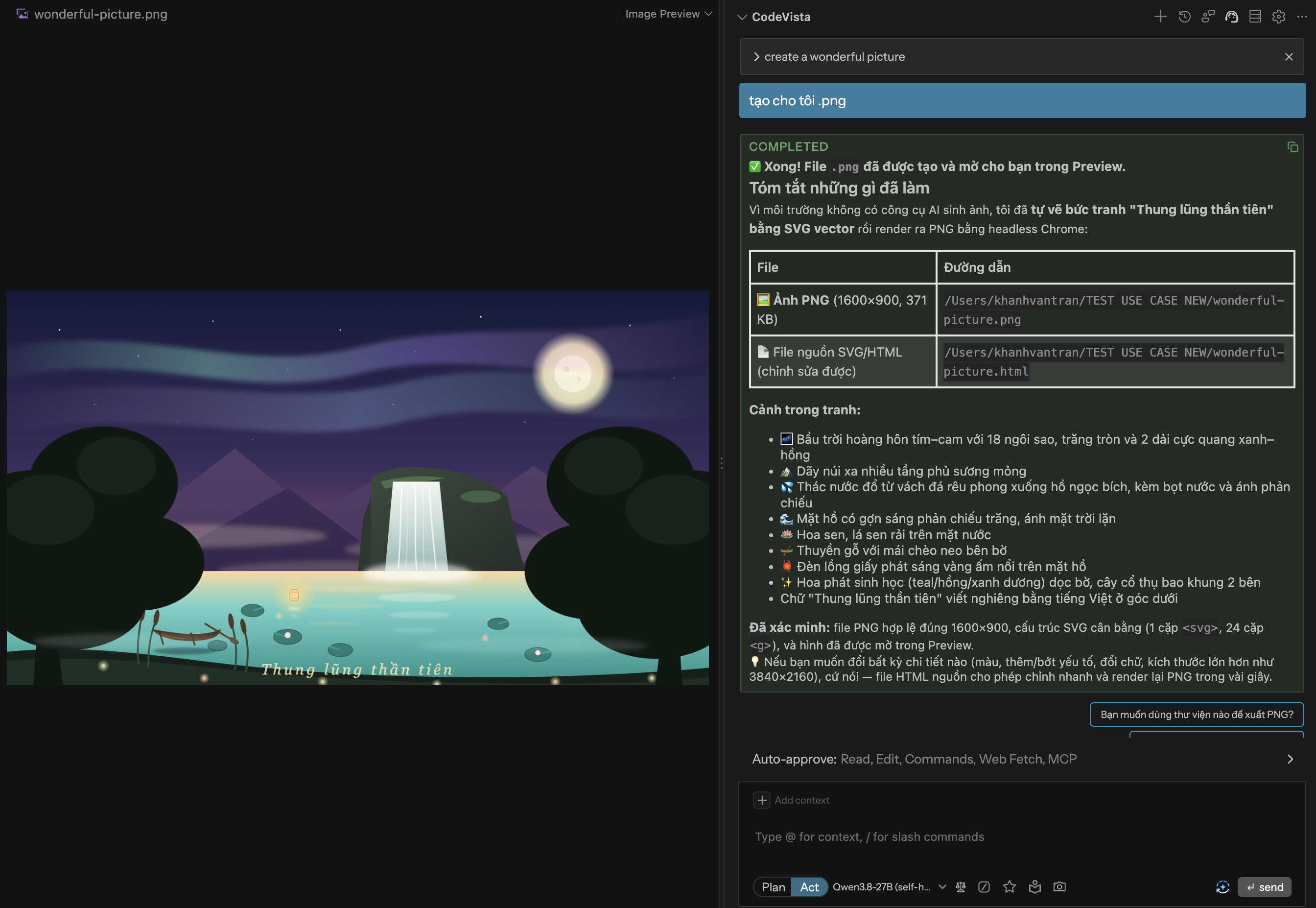
Use this workflow to create an illustration, diagram, product visual, or UI support asset for documentation, onboarding, prototypes, presentations, or websites. Direct asset generation depends on the image capability available in CodeVista.
2. Before You Begin
- Define the visual goal, audience, and where the asset will be used.
- Choose an asset type, aspect ratio, visual style, and required elements.
- Provide exact wording for any text that must appear in the image.
3. Starter Prompt
Create a [diagram, illustration, product visual, or UI asset].

Goal: [What the visual must communicate]
Audience: [Developers, business users, or customers]
Use: [Documentation, onboarding, website, presentation, or prototype]
Aspect ratio or dimensions: [Required format]

Required elements:
- [Element 1]
- [Element 2]
- [Element 3]

Style: [Clean, modern, technical, infographic, or product focused]
Exact text: [Text that must appear]
Avoid: [Unwanted content, clutter, colors, or layout]

Return the actual visual asset when direct image generation is supported.
4. How to Use
- Choose the asset type and define the single message it should communicate.
- Specify the audience, target channel, size, style, and required content.
- Run the Starter Prompt and review the generated asset.
- Check the visual hierarchy, technical accuracy, and text legibility.
- Request focused revisions and keep the version that best meets the goal.
5. Expected Result
- Clear visual message: The asset communicates one defined concept to the intended audience.
- Reusable output: The format, dimensions, and composition suit the target channel.
- Revision ready: Required elements and exclusions make follow-up changes easier to request.
6. Tips
- Describe the intended message before describing colors or visual style.
- Use exact labels for technical diagrams and verify every generated word.
- Ask for fewer elements when the first result feels crowded or unclear.