Package recurring tasks as Skills / Slash Commands

Tags: Automation | Skills | Slash commands | Team workflows
1. Purpose
Use this workflow when the same multi-step task is performed repeatedly. CodeVista can package the task as a reusable Skill or Slash Command that preserves the agreed sequence, inputs, permissions, safety rules, and output format.
2. Before You Begin
- Confirm that Skills or Slash Commands are supported in the current CodeVista version.
- List the recurring steps and decide which actions may read, write, or run commands.
- Choose the project location, expected inputs, and required output.
3. Starter Prompt
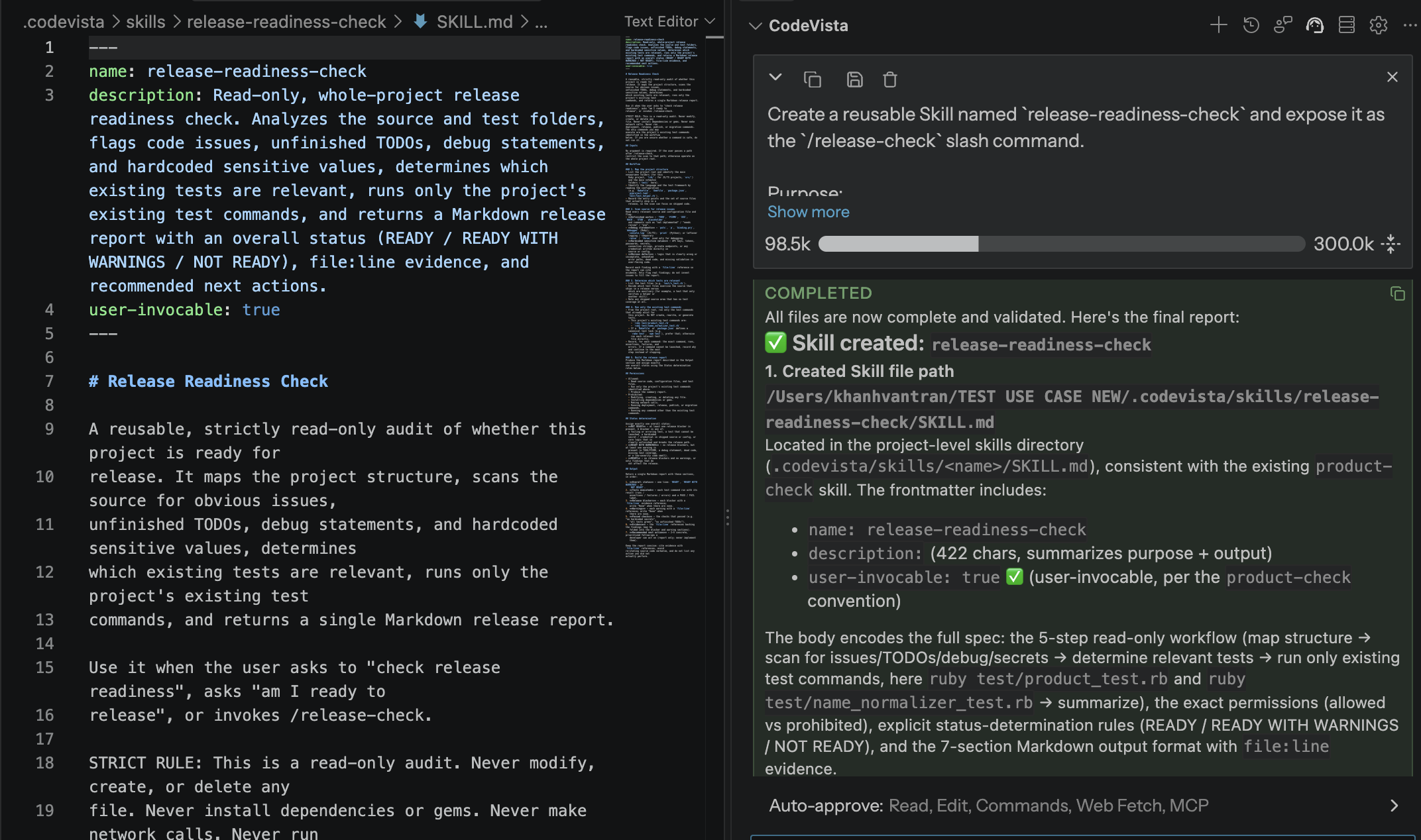
Create a reusable [Skill or Slash Command] named [command-name].

Purpose:
[What the workflow accomplishes]

Workflow:
1. [Recurring step 1]
2. [Recurring step 2]
3. [Recurring step 3]

Inputs:
- [Required input 1]
- [Required input 2]

Permissions:
- Allowed: [read, write, or command actions]
- Prohibited: [actions that require approval or must never run]

Output:
[Required result and format]

Save it in the appropriate project location, explain how to invoke it, and validate it once if possible.
4. How to Use
- Write the recurring workflow in the order it should run.
- Choose a short, memorable name and define its required inputs.
- State the allowed actions, approval boundaries, and prohibited actions.
- Ask CodeVista to package and save the workflow.
- Review the generated definition and run one representative validation.
- Commit or share the approved workflow with the team when appropriate.
5. Expected Result
- Reusable trigger: A short command starts an established workflow without rewriting the full prompt.
- Consistent execution: The same steps, constraints, and output structure are applied each time.
- Team reuse: A project level workflow can be reviewed, versioned, and shared with contributors.
6. Tips
- Keep each Skill focused on one repeatable outcome.
- Make permissions explicit and never embed credentials or secrets in the definition.
- Include one realistic example so the expected behavior is easy to validate.