Plan-based refactoring
Tags: Refactoring | Planning | Risk control | Code quality
1. Purpose
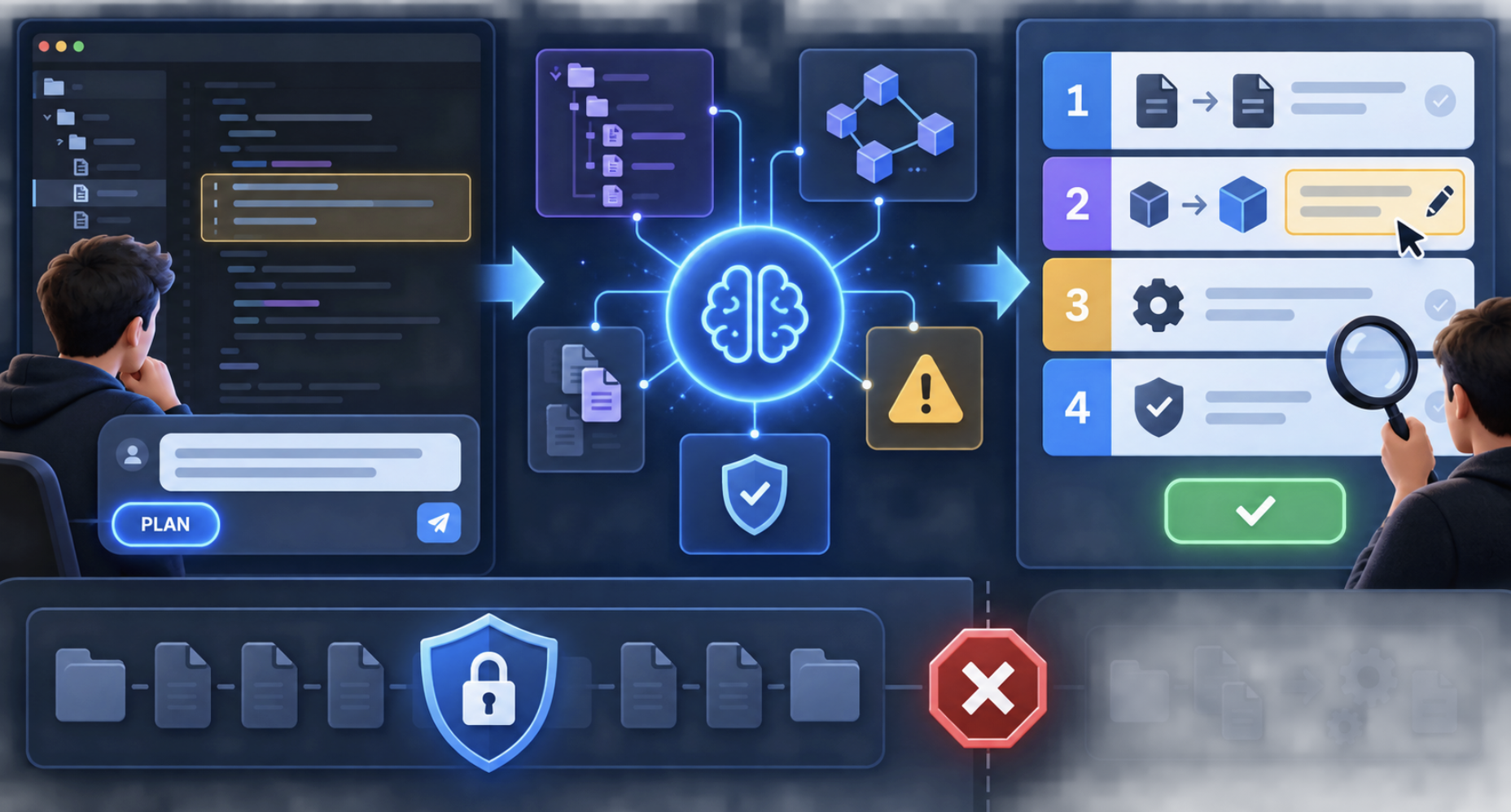
Use Plan mode when a refactor affects several files, changes architecture, or requires careful behavior preservation. CodeVista analyzes the target area and produces a reviewable plan without changing source files during the planning stage.
2. Before You Begin
- Open the repository and select Plan mode in CodeVista.
- Define the target, desired improvement, exclusions, and compatibility requirements.
- Identify tests or verification steps that protect the current behavior.
3. Starter Prompt
Plan to refactor [target file, module, or code area] to [goal].

Constraints:
- [Constraint or temporary implementation instruction]
- Preserve [interface, behavior, or compatibility requirement]
- Do not change [excluded files or behavior]

During planning:
1. Analyze the relevant code and dependencies.
2. Identify current issues, affected files, and implementation risks.
3. Create a numbered refactoring plan.
4. Explain the expected change and verification for each step.
5. Do not edit any file.

End with Status: Waiting for approval.
Example
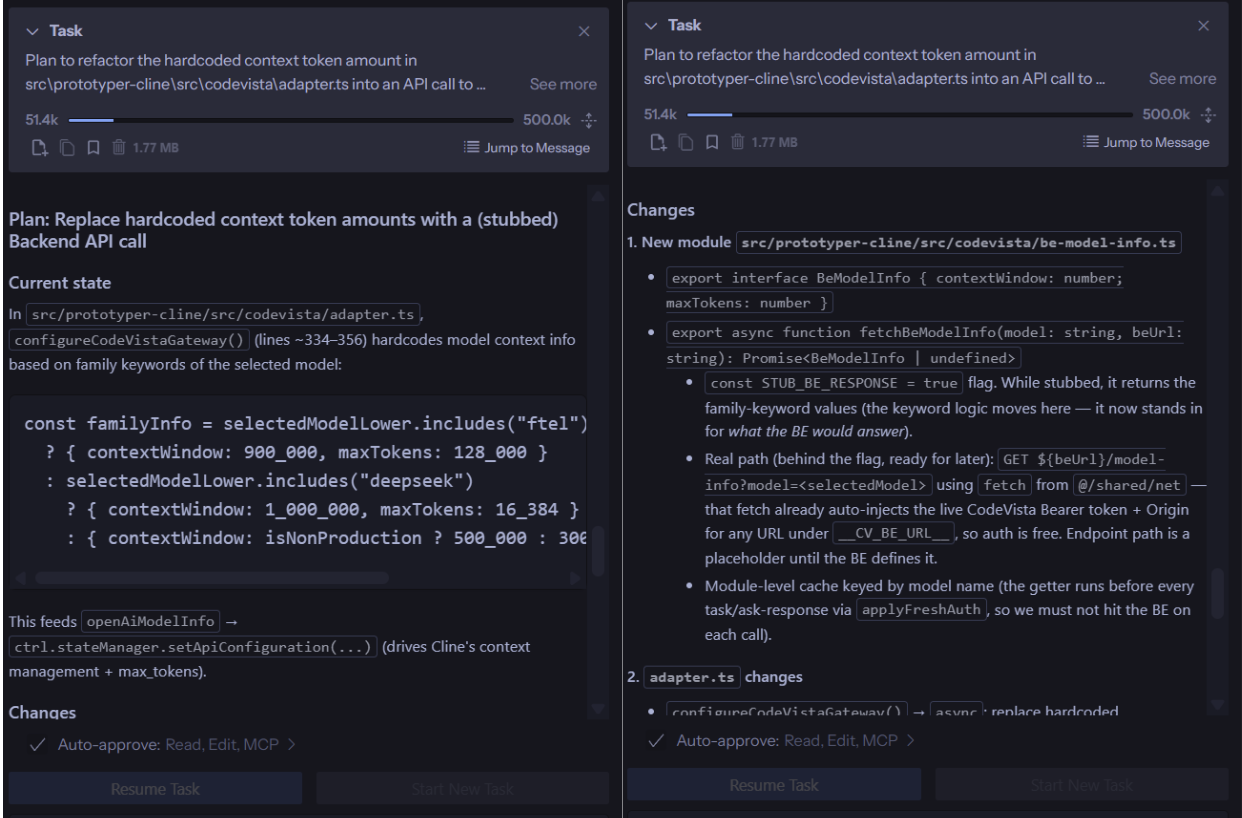
Plan to refactor the hardcoded context token amount in src/prototyper-cline/src/codevista/adapter.ts into a Backend API call. Stub the backend response for now. Do not edit any files until I approve the plan.
4. How to Use
- Open the repository and select Plan mode.
- Submit the refactoring goal, target, and constraints.
- Review the proposed files, dependencies, risks, and verification steps.
- Ask CodeVista to revise the plan if the scope is too broad or incomplete.
- Approve the plan and allow implementation only when it is ready.
- Run the planned verification and review the final diff.
5. Expected Result
- Reviewable scope: Affected files, dependencies, and intended changes are visible before implementation.
- Risk control: You can narrow, reject, or revise the plan before any file is edited.
- Coordinated execution: Approved changes can be applied in a deliberate sequence across files.
- Behavior preservation: The plan includes focused tests or checks for existing behavior.
6. Tips
- Keep the first plan focused on one behavior or architectural concern.
- Name public interfaces and behavior that must remain unchanged.
- Require a verification step for every behavior sensitive change.