Debug & fix errors / failing tests
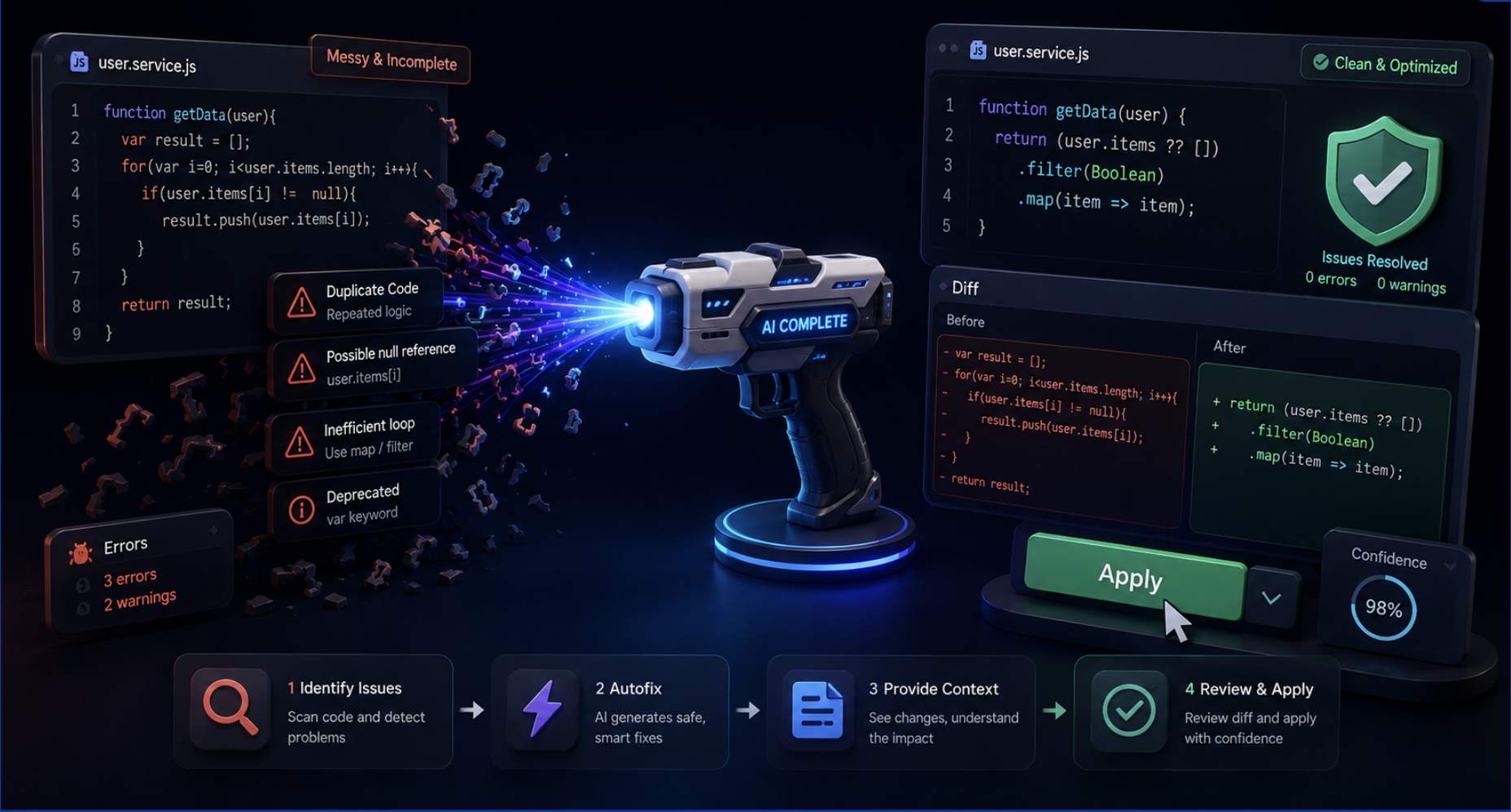
Tags: Debugging | Root cause analysis | Bug fixing | Testing
1. Purpose
Use this workflow for failing tests, runtime errors, build failures, or unexpected behavior. CodeVista correlates the visible symptom with logs, stack traces, source files, and repository context before proposing the smallest safe fix.
2. Before You Begin
- Collect the complete error message, stack trace, logs, or failing test output.
- State the expected behavior and the behavior you observed.
- Provide a reproduction command and relevant environment details when available.
3. Starter Prompt
Investigate this failure before changing code.

Expected behavior:
[What should happen]

Actual behavior:
[What happens instead]

Evidence:
[Error message, stack trace, logs, or failing test]

Reproduction command or steps:
[Command or steps]

Tasks:
1. Identify the root cause using the code and evidence.
2. List the affected files and explain why they are involved.
3. Propose the smallest safe fix.
4. If file editing is permitted, apply only the approved fix.
5. Run the smallest relevant verification.

Return the root cause, changed files, fix, verification result, and remaining risks.
4. How to Use
- Provide the failure evidence and expected behavior.
- Ask CodeVista to investigate and explain the root cause before editing files.
- Review the affected files and proposed fix.
- Approve the change when it is appropriately scoped.
- Rerun the failing test, build, or reproduction scenario.
- Review the final diff and confirm that the original failure is resolved.
5. Expected Result
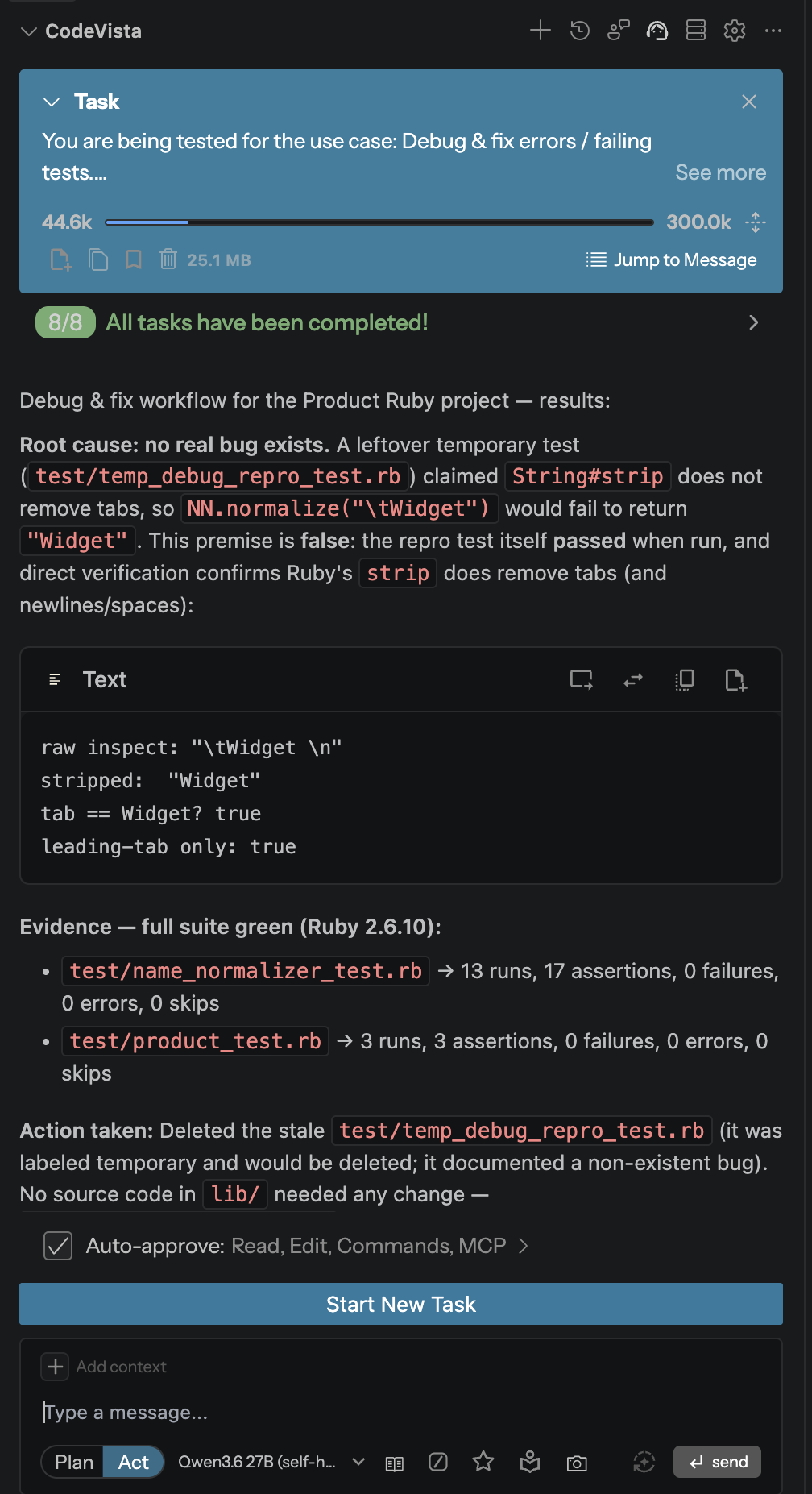
- Root cause: The failure is traced to a specific condition, code path, or configuration.
- Targeted fix: The proposed change addresses the cause without modifying unrelated code.
- Verification evidence: Relevant tests or reproduction steps are rerun and reported.
6. Tips
- Include the command that produced the error so CodeVista can reproduce it when allowed.
- State whether the failure is consistent, intermittent, or environment specific.
- Do not accept a fix that only hides the error without explaining the underlying cause.