Generate utilities and unit tests
Tags: Code generation | Unit testing | Automation | Quality
1. Purpose
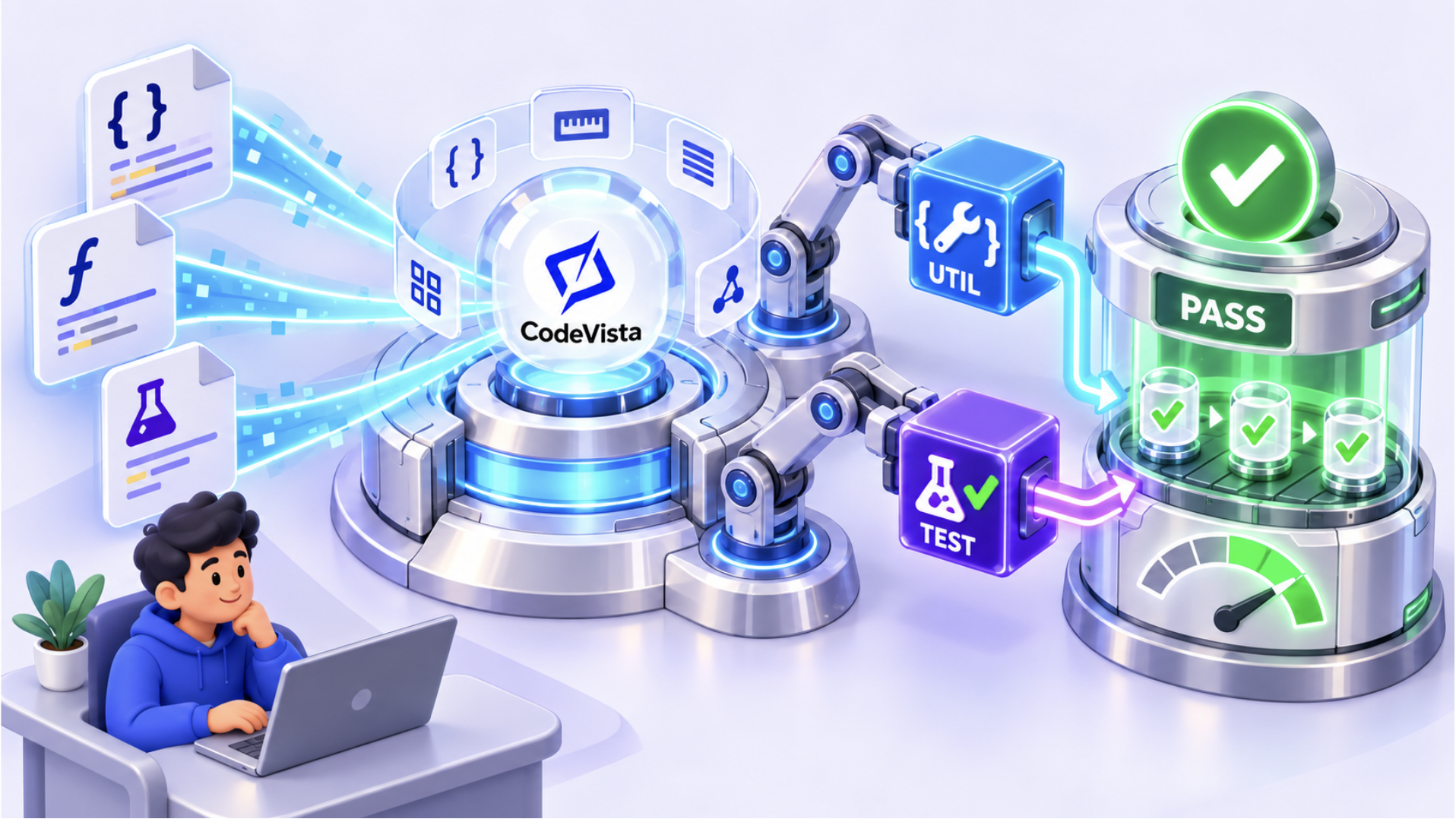
Use this workflow when you need a reusable helper or stronger unit coverage for an existing class, package, or module. CodeVista reads nearby implementation and test files, follows project conventions, creates the requested code, and runs focused tests when permitted.
2. Before You Begin
- Open the repository and make the target class or package available to CodeVista.
- Confirm the testing framework, or allow CodeVista to detect it from the project.
- State the required behavior and any interfaces or behavior that must remain unchanged.
3. Starter Prompt
Create [utility or helper] for [class, package, or module].

Required behavior:
- [Requirement 1]
- [Requirement 2]

Then add unit tests for the affected logic.
Follow the existing project conventions and testing patterns.
Cover the happy path, validation failures, boundary values, and relevant edge cases.
Do not change unrelated behavior.

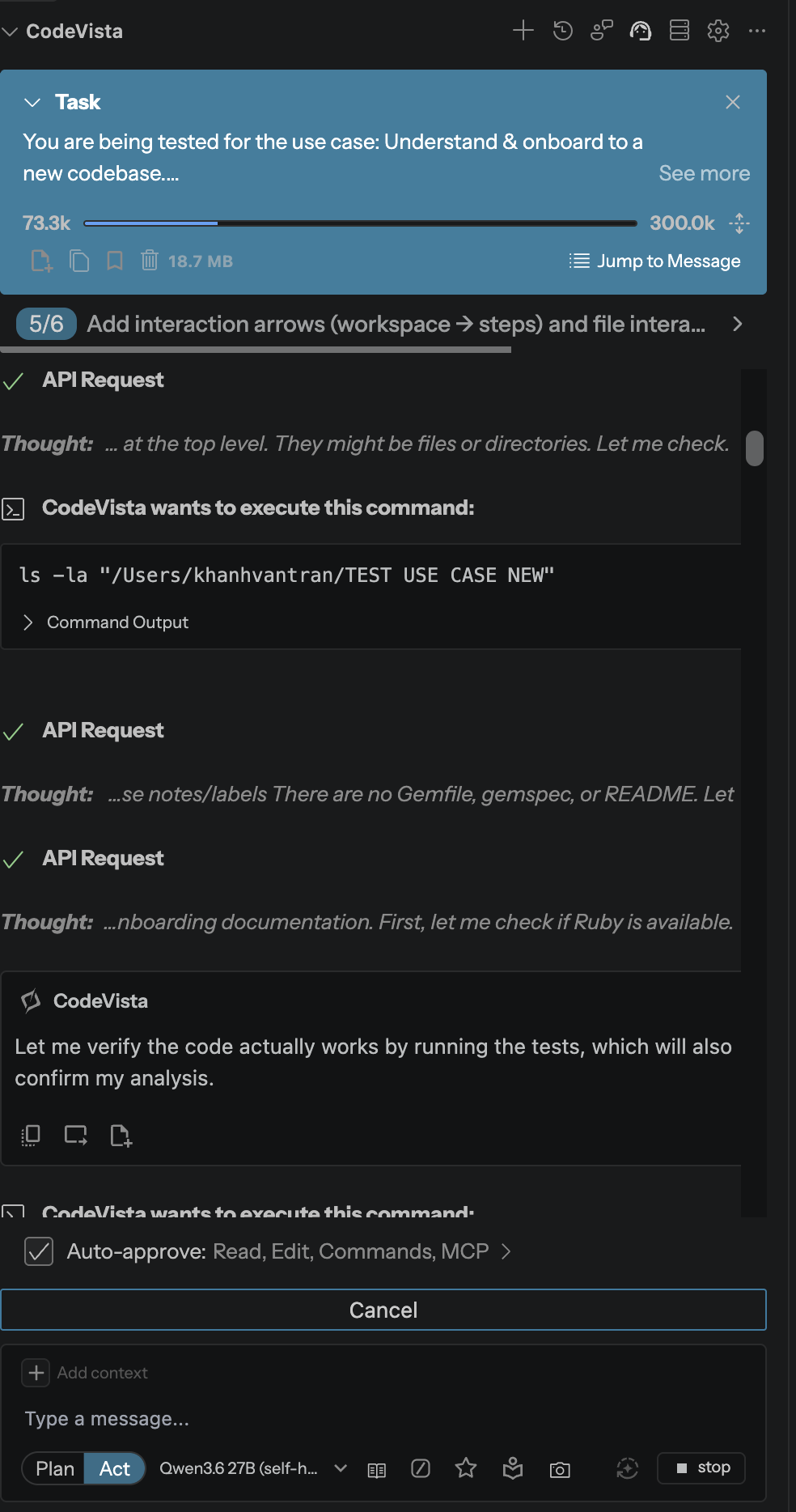
If command execution is allowed, run the smallest relevant test suite.

Return:
- Files created or changed
- Test cases covered
- Test command and result
- Assumptions or unresolved issues
4. How to Use
- Open the target class, package, or module in the current workspace.
- Replace the placeholders in the Starter Prompt with the required behavior.
- Submit the prompt and review the proposed utility and tests.
- Inspect the diff for unrelated changes or assumptions.
- Run the focused test suite and address any failures before keeping the changes.
5. Expected Result
- Project-aligned code: Utility functions follow the repository's naming, structure, and implementation patterns.
- Meaningful coverage: Tests cover expected behavior, validation failures, boundary values, and relevant edge cases.
- Verifiable output: The response identifies changed files, covered cases, and the test command and result.
6. Tips
- Ask CodeVista to match existing test names, mocks, fixtures, and assertion style.
- Name business rules and edge cases explicitly when they are not obvious from the code.
- Prefer a focused test command before running the entire project suite.