Frequently Asked Questions
1. Installation and Setup
1.1. Does CodeVista support Enterprise SSO and Microsoft Entra ID integration?
Yes. CodeVista supports Enterprise Single Sign-On (SSO), allowing users to authenticate securely using their FPT accounts.
- Authentication: Uses OAuth 2.0 Authorization Code Flow with PKCE.
- Microsoft Entra ID Integration: Connects through the Microsoft Identity Platform (Azure AD) v2.0 endpoint.
- User Management: Retrieves user profile information through Microsoft Graph to establish and manage user records within CodeVista.
This integration simplifies authentication and enables centralized identity management.
1.2. I'm having trouble logging in with my @fpt.com account. What should I do?
Try the following:
- Ensure you're using a valid @fpt.com account.
- Check your internet connection and confirm you're connected to FPT Software's internal network.
- Restart Visual Studio Code and the CodeVista extension.
1.3. Can I use two instances of CodeVista simultaneously?
No. You should use only one instance of CodeVista at a time. Running multiple instances simultaneously may cause unexpected behavior or application conflicts.
2. AI Models and Infrastructure
2.1. Which AI models does CodeVista support, and can users select different models?
CodeVista currently uses Qwen 3.8 27B, a self-hosted multimodal AI model. CodeVista plans to upgrade to more powerful AI models in the future as the required infrastructure becomes available, continuously improving its capabilities and performance. CodeVista also supports a multi-model architecture, enabling integration with both self-hosted models and external API-based models. Its Smart Routing mechanism automatically selects the most suitable model for each request, helping optimize performance and resource utilization.
2.2. Where are CodeVista's AI models hosted, and how is data residency managed?
CodeVista operates using approved enterprise infrastructure:
- FCI: Dedicated infrastructure for self-hosted AI models.
- Microsoft Azure: Cloud-based infrastructure and model services.
These environments are operated by CodeVista under the management and security governance of FPT Software's IT and Information Security Management (ISM) teams. The self-hosted deployment keeps model processing within dedicated FCI infrastructure and approved internal environments. For cloud-based services, CodeVista uses a secure routing architecture designed to protect customer data. This architecture has been reviewed and approved by FPT Software's ISM leadership. Specific region-selection, private VPC, and customer-managed on-premises deployment options require confirmation from the CodeVista team.
3. Usage and Features
3.1. How do I access CodeVista features, commands, and code context?
CodeVista provides several ways to interact with the Agent and supply additional context:
- Slash Commands (
/): Type/in the prompt input box to view available commands and predefined actions. - Add Context (
@): Type@to reference files, functions, classes, or code snippets. - Code Context: Provide relevant source files, classes, and functions for more context-aware responses.
Users can reference specific resources using syntax such as:
@file:fileName@function:functionName@class:className
CodeVista also supports customizable Slash Commands and reusable Skills, allowing users to create or import development workflows from supported external tools.
3.2. How does CodeVista manage Chat, Agent interactions, and conversation history?
CodeVista provides a unified Chat/Agent interface, combining conversational assistance with task-based Agent execution.
Conversation history is organized separately for each workspace, helping users maintain project-specific context and easily revisit previous interactions.
The Agent supports a structured development workflow:
Plan → Act → Observe → Review
This allows the Agent to analyze requests, execute supported development tasks, observe results, and review changes.
3.3. Does CodeVista support external tools and services through MCP?
Yes. CodeVista supports Model Context Protocol (MCP), allowing the Agent to connect with external tools and data sources such as:
- Source-code repositories.
- Documentation platforms.
- APIs and external services.
- Databases.
- Work-management systems.
CodeVista provides two MCP connection methods:
Method 1 — Local MCP Server (Edit Configuration)
- Open Edit Configuration.
- Add the required MCP server configuration.
- Save the configuration.
- Verify that the server appears in the Installed list and check its connection status.
Method 2 — Remote MCP Server (Add Remote Server)
- Select Add Remote Server.
- Enter the server name and URL.
- Select the supported transport type.
- Add the server and complete authentication if required.
- Verify the connection status and available tools.
Users can use Recheck to verify the connection again or Delete to remove a server from the Installed list.
User-added MCP servers must be registered in the PIM file and approved by the PM before use. Servers that do not meet the required approval or whitelist conditions may be rejected.
3.4. Can CodeVista generate frontend code from images, screenshots, or UI mockups?
Yes. CodeVista supports multimodal input through its self-hosted Qwen 3.8 27B model.
Users can provide screenshots, wireframes, reference images, or UI mockups to generate frontend code or UI prototypes.
CodeVista is not restricted to a specific frontend framework and can assist with commonly used frontend technologies based on project requirements.
Generated code should be reviewed and validated before implementation.
4. Agent Governance and Permission Control
4.1. How does CodeVista control Agent permissions and sensitive operations?
CodeVista's Agent Governance follows the "Trust but Verify" principle, balancing automation with user control.
It combines three main mechanisms:
1. Auto-Approve
Allows users to configure which Agent actions can be executed automatically, including:
- Reading files.
- Modifying files.
- Executing terminal commands.
- Accessing web resources.
- Invoking MCP tools and external services.
2. Human-in-the-Loop (HITL)
Sensitive or high-impact operations require explicit user approval before execution.
This allows users to review potentially risky actions and maintain control over Agent behavior.
3. Command Blacklist
Users can define commands or command patterns that must always require manual approval.
Even when all Auto-Approve options are enabled, blacklisted commands cannot bypass user confirmation.
These mechanisms help prevent unintended file modifications, destructive commands, or other sensitive operations.
4.2. Can administrators define Agent policies for specific users, projects, or repositories?
Not currently.
CodeVista provides user-configurable Auto-Approve settings and Command Blacklist controls.
However, centralized policy configuration at the individual user, project, or repository level is not currently supported.
5. Data Privacy and Security
5.1. Does CodeVista use customer source code, prompts, or data to train AI models?
No. CodeVista does not use customer data to train or fine-tune AI models.
Neither third-party nor in-house LLM providers use customer-specific source code, prompts, or contextual data for model training.
Certain information may be processed or retained to support application functionality and improve the user experience, including:
- Maintaining conversation continuity.
- Improving contextual understanding.
- Supporting personalized interactions.
These purposes are separate from model training.
5.2. How does CodeVista protect source code, intellectual property, and sensitive information?
CodeVista follows the principle:
"The code we write isn't our own. It belongs to our customers."
CodeVista applies enterprise security controls, including a Trust Layer, Data Masking, controlled model hosting, secure routing, and industry-standard encryption practices.
The AI processing workflow consists of the following steps:
- User Query: A user submits a question or development request.
- Code Retrieval: CodeVista retrieves relevant code snippets and project context while enforcing applicable access permissions.
- Sensitive Data Protection: Data Masking detects and replaces identified sensitive information with placeholders.
- LLM Processing: The protected prompt and relevant context are sent to the selected language model.
- Response Delivery: The model-generated response is returned to CodeVista and presented to the user.
Sensitive information may include passwords, API keys, credentials, phone numbers, and other confidential data.
These mechanisms help reduce the risk of exposing customer intellectual property and sensitive information to external services.
5.3. Does CodeVista store customer data, and how is data retention and deletion managed?
Yes. Certain data may be retained to support CodeVista's functionality and user experience.
Data retention and deletion follow:
- FPT Software's global data security policies.
- Customer-specific security requirements.
- Project-level data management requirements.
- Customer-requested deletion procedures.
Data deletion may be performed periodically or upon specific customer requests.
The retention period depends on the applicable policies and project requirements.
Operational logging is handled separately from data retained for application functionality.
5.4. What security certifications and compliance standards does CodeVista follow?
According to the provided internal security information, CodeVista has the following certifications:
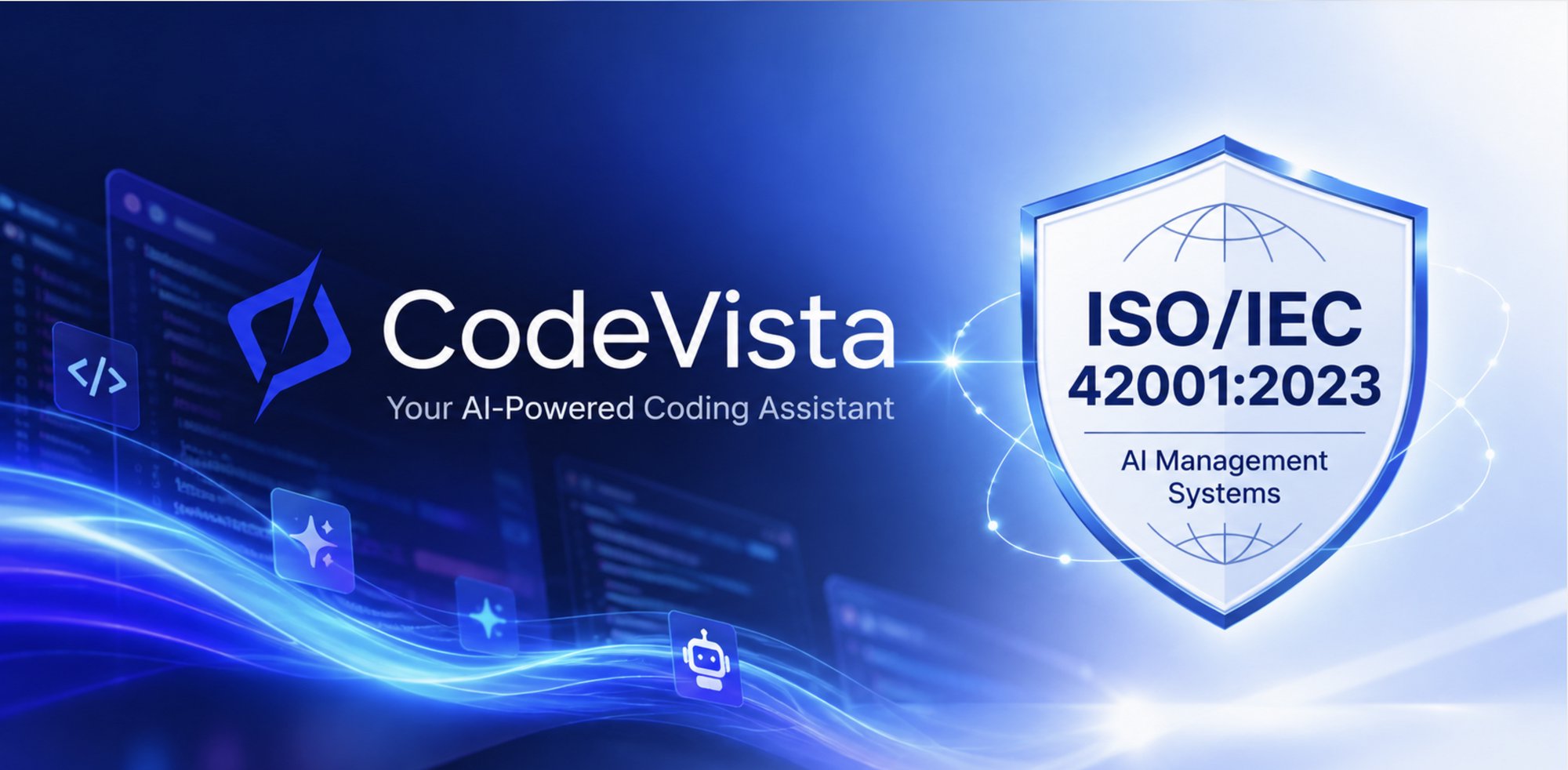
- ISO/IEC 42001:2023: Artificial Intelligence Management Systems.
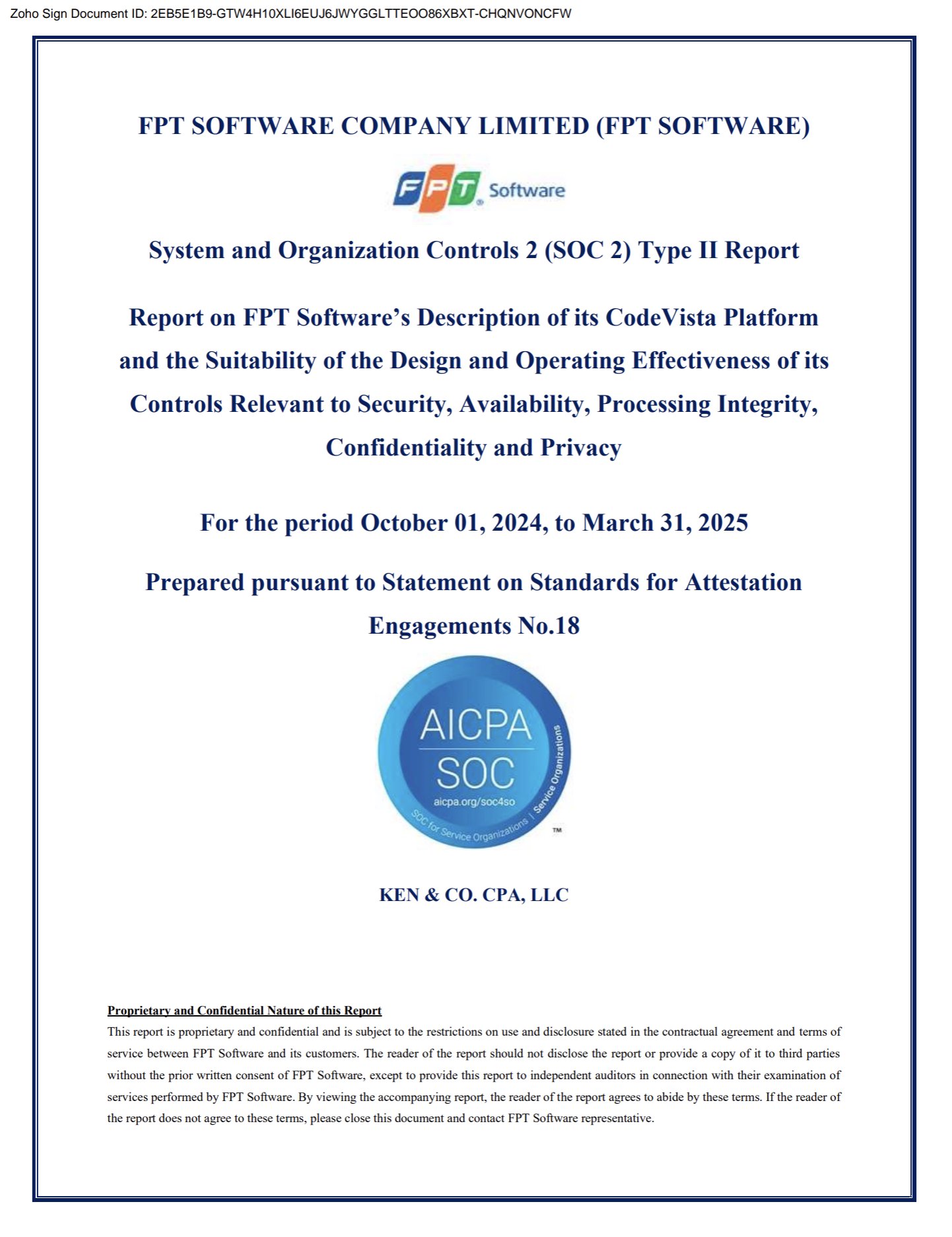
- SOC 2 Type II: Security and operational control assurance.
CodeVista also follows applicable data protection requirements, including GDPR and CCPA, and security practices associated with FIPS Publication 140-2.
5.5. Does CodeVista support penetration testing, vulnerability management, and encryption?
Yes. CodeVista applies several security measures.
Penetration Testing & Vulnerability Management
- API changes are subject to penetration testing conducted by the SAS team.
- Penetration testing includes vulnerability scanning to identify potential security risks.
Encryption in Transit
- HTTPS is used to protect communications.
- Private connectivity for Azure-based services is under implementation, with completion targeted for the end of October 2026.
Encryption at Rest & Log Storage
- The backend is designed not to record customer source code, prompts, or customer data in operational logs.
- Operational logs are managed by FPT Software's IT team within the approved Landing Zone.
- Detailed encryption-at-rest configurations for retained operational data should be confirmed with IT/ISM.
6. Audit Logs and Operational Security
6.1. Does CodeVista maintain Agent audit logs, and who can access them?
CodeVista currently maintains operational logs, including model routing information and related system operations.
For security and privacy reasons, sensitive information such as user prompts, source code, accessed files, and tool execution content is not recorded in these operational logs.
Therefore, the current logging mechanism does not provide a complete Agent activity audit trail covering every prompt, file access, command execution, and code change.
Operational logs are managed by FPT Software's IT team. Authorized IT personnel can access and extract these logs when necessary.
Self-service log search, export, and SIEM integration are not confirmed as available features.
7. Limitations and Troubleshooting
7.1. Why am I getting an error message when submitting a prompt?
Prompt submission errors may occur for several reasons:
- You may have exceeded the daily request quota.
- Your prompt may be outside the supported IT, coding, or computer science scope.
- Duplicate prompts may be rejected by the system.
Check your request and try submitting a revised prompt.
7.2. What should I do if CodeVista's response is incomplete or incorrect?
Try the following:
- Rephrase your prompt to make the request clearer.
- Provide additional code context or relevant files.
- Use the Web Search feature to cross-check information when available.
- Review generated code and suggestions before implementing them.
7.3. Why is CodeVista responding slowly or experiencing performance issues?
Possible causes include:
- Unstable network connections.
- Excessive use of the Web Search feature.
- Complex or long-running operations, such as Search Before.
- High processing requirements for certain Agent tasks.
Ensure your network connection is stable and provide focused, context-rich prompts to improve response efficiency.
7.4. How can I report a bug or request a new feature?
Contact CodeVista support team or follow the designated bug reporting process.
Provide relevant details, including:
- Issue description or feature request.
- Steps to reproduce the issue.
- Screenshots or error messages, if available.
- Relevant environment and application information.
This information helps the support team investigate issues and prioritize improvements.